
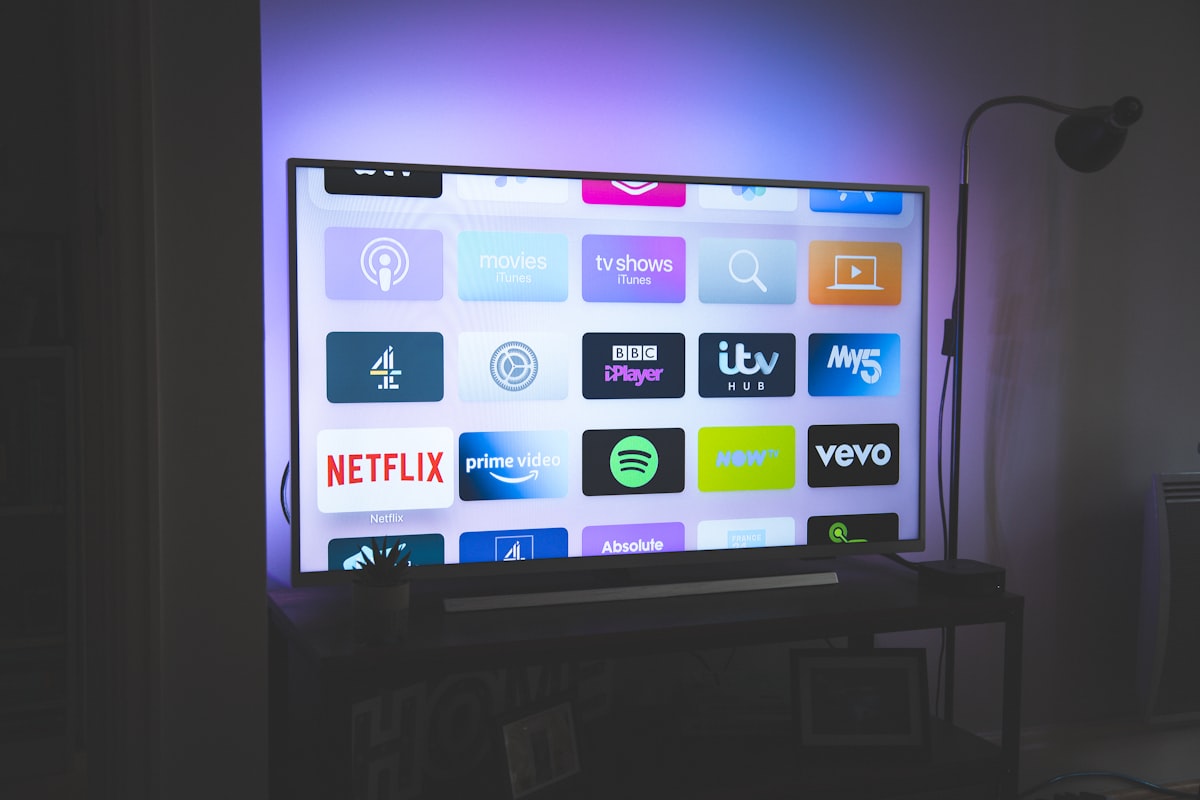
This installation tutorial covers every major device supported by Stream TV 8K, step by step.
Our IPTV services are compatible with a variety of devices. If you can’t find yours, don’t worry—we support all devices and apps, and we’re here to assist you.
Not sure which part of this installation tutorial to follow? Match your device to the sections above, and if you’re still unsure, our support team can point you to the right installation tutorial steps for your specific setup.
Stream on any device, anywhere, anytime
You will need to use the controller app named “Smart One IPTV” to proceed. You can get it for seven days for free. Then you can make a one-time fee of 10$ approximately and start using it.
The procedure is nearly the same as Smart One IPTV.
The procedure is nearly the same as IPTV Smarters.
For specific device setup instructions, see the official Android TV setup guide and Apple AirPlay documentation.
Learn more about 4K and 8K broadcast standards to understand our streaming quality.
Connect your MAG Device to internet then follow the below steps.
Stream TV 8K is compatible with Amazon Firestick and other Fire TV devices
The procedure is nearly the same as IPTV Smarters.
More device-specific guides: Firestick 2026 setup walkthrough, Samsung Smart TV installation, and Android TV Box setup guide.
This tutorial will help you to get a better understanding on how to watch IPTV on your STB Emulator. The following Set-top boxes are compatible with it.‘STB Emulator’ can emulate the following IPTV set-top boxes.
MAG 200 |
MAG 245 |
MAG 250 |
MAG 260 |
MAG 270 |
MAG 275 |
Aura HD |
You can navigate to Settings, Setup, System Network Device Adapter Settings. Then you can copy the IP address.
Here are the setup instructions for Openbox
If you still have any issues, simply restart Wi-Fi router and Openbox
Most Android-based streaming devices and Smart TVs support the same IPTV player apps covered in this guide — contact support if you’re unsure about a specific model.
Usually not, but if playback stops after an update, reinstalling the IPTV app resolves it in most cases.
Yes, depending on your plan’s device limit — check your subscription plan for simultaneous stream limits.
Yes — new subscriptions include a 7-day money-back guarantee, so you can confirm everything works on your specific setup before committing.
New to IPTV entirely? Our 2026 subscription guide covers how IPTV compares to cable and what to check before subscribing.
Get instant access to thousands of live TV channels and on-demand content with Stream TV 8K IPTV. Explore your favorites, discover new entertainment, and start watching today.

Best quality, No Freezing and Best Customer services 24/7! At the lowest Price in the Market!


