
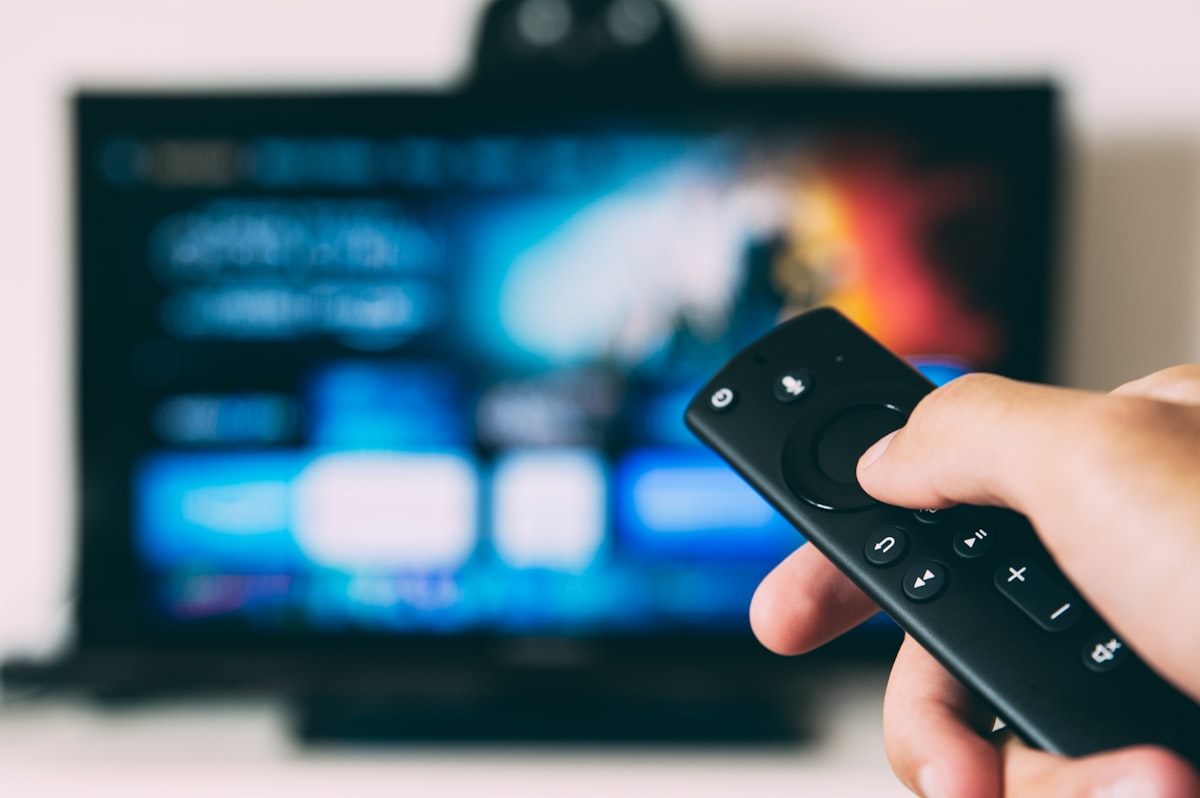
This guide shows you how to install Firestick apps for Stream TV 8K, with an official Amazon Fire TV reference for device-specific support.
Installing Stream TV 8K on your Firestick takes just 5 minutes. Follow this step-by-step guide for Firestick Lite, Stick, 4K, and 4K Max models.
Your channels will load automatically. You can now browse and watch all 35,000+ live channels, 250,000+ movies, and sports programming included in your Stream TV 8K subscription.
Solution: Make sure Developer Options are enabled and Unknown Apps are allowed in security settings.
Solution: Check your internet speed (25 Mbps minimum), restart Firestick, or select a different server in the player settings.
Solution: Verify your username and password are correct. Contact Stream TV 8K support via WhatsApp at +447533230772.
While IPTV Smarters Pro is our top recommendation, Stream TV 8K also works with:
Our 24/7 support team is ready to help. Contact us via:
Yes — Fire TV Stick Lite, Stick, 4K, and 4K Max all support this installation method, since Developer Options exist across the whole Fire TV product line.
Usually not, but if the IPTV app stops opening after an update, reinstalling via Downloader resolves it in most cases.
Yes, depending on your plan’s simultaneous-stream limit — see our subscription plans for device limits per tier.
Yes — new subscriptions include a 7-day money-back guarantee, so you can confirm everything works on your specific Firestick model before committing.
Setting up a different device instead? See our full installation guide covering Smart TVs, Android boxes, and more.
Not all Firestick models perform the same. The original Fire TV Stick (1st/2nd gen) uses older, slower hardware and can struggle with anything above HD. The Fire TV Stick 4K and 4K Max add hardware HEVC decoding, which matters for smoother 4K IPTV playback specifically. If you’re buying new for this purpose, the 4K Max’s extra RAM (2GB vs 1.5GB) noticeably reduces app-switching lag during long streaming sessions.
IPTV apps cache thumbnails and EPG (program guide) data locally. On base-storage Firesticks (8GB), this cache can fill up over weeks of use, causing slowdowns. Periodically clearing the app’s cache (Settings > Apps > Manage Installed Applications > IPTV Smarters Pro > Clear Cache) resolves this without needing to reinstall anything.
Whichever model you own, the process to install Firestick apps for Stream TV 8K follows the same core steps above.
To recap: you install Firestick apps for Stream TV 8K by enabling developer options, sideloading Downloader, and entering your login details. Once you install Firestick correctly, streaming starts immediately.
