
This guide covers how to install IPTV on Android TV Box devices for Stream TV 8K. For platform-level details, see Android TV’s official site.
Stream TV 8K works perfectly on Android TV boxes. This guide covers installation for any Android box.
For playback issues, ensure your box has enough storage space and RAM. Clear cache regularly for better performance.
Many generic or budget Android TV boxes ship without Google Play certification, so “IPTV Smarters Pro” won’t appear in any app store. In this case:
Not all Android TV boxes decode video equally. This matters more than most guides mention:
Low-RAM boxes (1GB or less) sometimes fail to launch heavier IPTV apps. Try TiviMate instead of IPTV Smarters Pro — it has a lighter memory footprint.
This is typically a decoder overheating issue on passively-cooled budget boxes during extended playback, not a connection problem. Ensure adequate ventilation around the box.
No — the sideloading method above works on any Android TV box, certified or not.
Yes, though see our 8K IPTV requirements guide for the specific hardware needed to actually benefit from 8K streams.
Yes — new subscriptions include a 7-day money-back guarantee.
Ready to get started? View subscription plans, or see our full installation guide for setup on other devices.
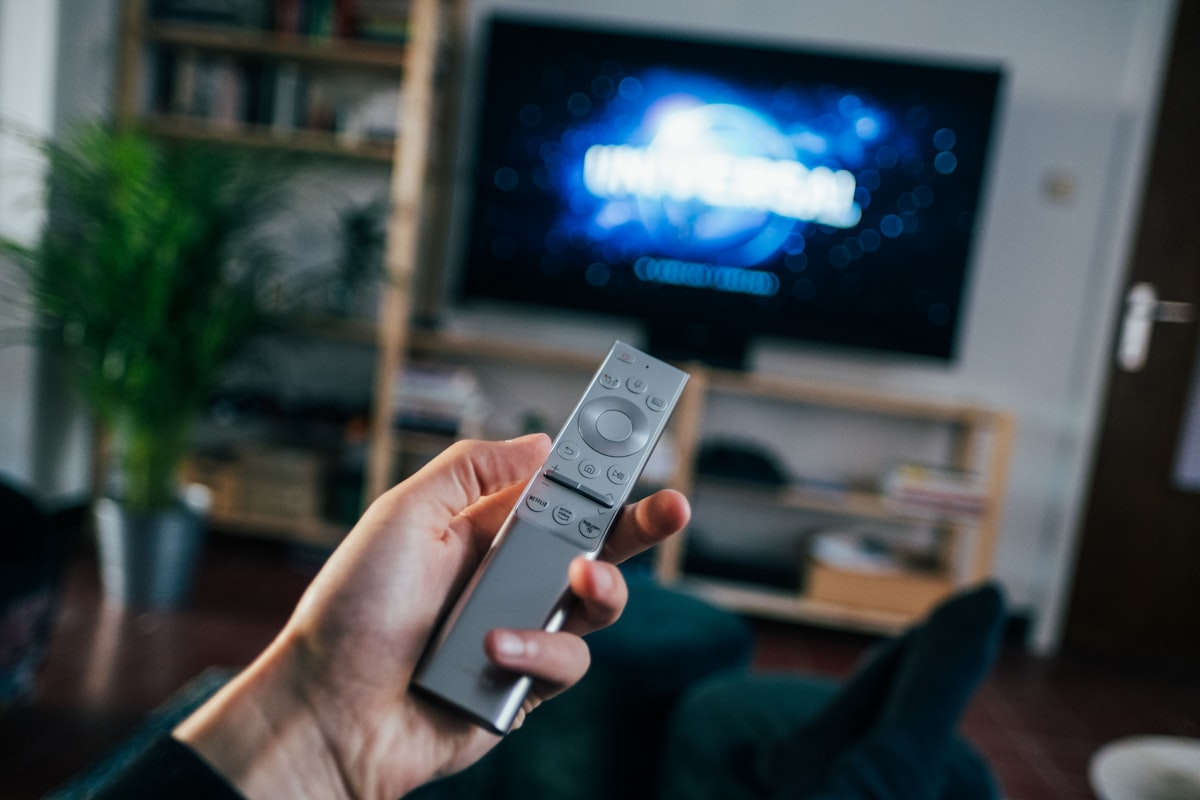
Many generic Android TV boxes ship with a basic infrared remote that lacks a proper directional pad, making on-screen keyboard entry (like your subscription login) tedious. An air-mouse remote (Bluetooth, with a built-in mouse pointer) makes text entry significantly faster and is a worthwhile $10-15 add-on if you’re setting this up as a permanent living-room device.
Unlike Firestick, generic Android boxes rarely auto-update their firmware. Check the manufacturer’s support page periodically — firmware updates often improve decoder compatibility and Wi-Fi stability, which directly affects streaming quality over time.
If you’re buying a box specifically for this purpose rather than repurposing one you already own, price-to-performance varies a lot in this category. Mid-range boxes with at least 2GB RAM and a quad-core processor handle IPTV apps comfortably; anything below that tends to show its limits once you start layering an EPG guide, multiple app tabs, and background downloads at once. Ethernet ports are worth prioritizing over Wi-Fi-only models if your router isn’t close to the TV, since a wired connection removes an entire category of buffering complaints before they start.
Whichever box you’re using, these steps to install IPTV on Android TV Box devices should get you streaming within minutes.
To summarize: you install IPTV on Android TV Box devices by installing the app, entering your credentials, and confirming playback. Once you install IPTV on Android TV Box correctly, everything else just works.
